HK
HK
1.
Zoho Invoice
2.
Wave
3.
Square Invoice
4.
Invoice Ninja
Are unpaid invoices piling up and troubling your cash flow management?
Manually creating, sending, and tracking dozens of invoices is a time-sucking process that all too often results in errors and late payments.
Notably, 87% of businesses paid late, and 61% of delayed payments are attributed to inaccurate invoices.
Free invoicing software can offer a cost-effective solution. These tools simplify and automate the billing process, enabling you to reduce the time spent on paperwork, create accurate invoices, and send them instantly.
In this article, we will explore the best free invoicing software that can help you invoice in less time and get paid faster.
Let's get into it.
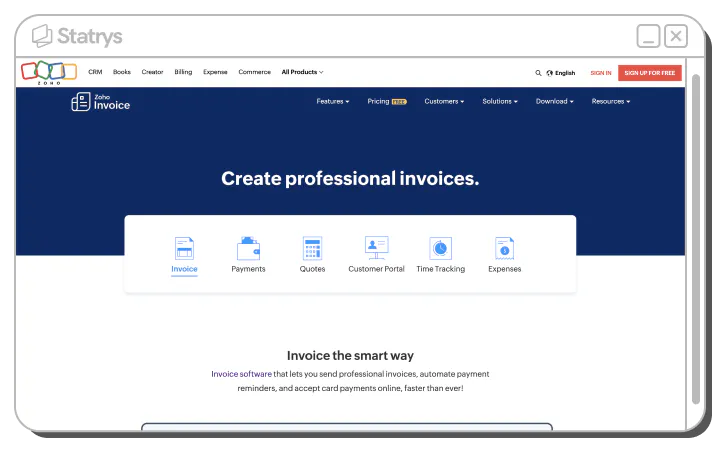
Zoho is a software company that offers a wide range of business products with over 55 offerings in areas like sales, CRM, finance, and office tools. They serve a wide customer base of over 100 million users.
One of their notable products is Zoho Invoice, an invoicing software solution that includes features like invoicing, payment processing, quotes, a customer portal, time tracking, and expense management.
Zoho has catered to various industries, including professional services, startups, house maintenance services, estate Consultants, and trust and nonprofit entities.
| Plan | Features | Pricing |
|---|---|---|
| Zoho Invoice | • Invoice, quote, and credit note creation with multilingual and tax compliance • Payment reminders • Multiple payment options • Reports Time and expense tracking • Customer self-service portal | Free |
| Plan | Features | Pricing |
|---|---|---|
| Zoho Billing Standard | For automated billing operations | USD 15 per month, billed yearly |
| Zoho Billing Professional | For subscription management | USD 39 per month, billed yearly |
| Zoho Billing Premium | For medium to large businesses needing advanced end-to-end billing solutions | USD 79 per month, billed yearly |
| Zoho Billing Elite | For enterprises requiring a custom and scalable solution | USD 239 per month, billed yearly |
| Zoho Invoice Pros | Zoho Invoice Cons |
|---|---|
| Accepting various payment options, including credit card, cash, checks, and ACH | Limited customization in free version |
| A wealth of other features |
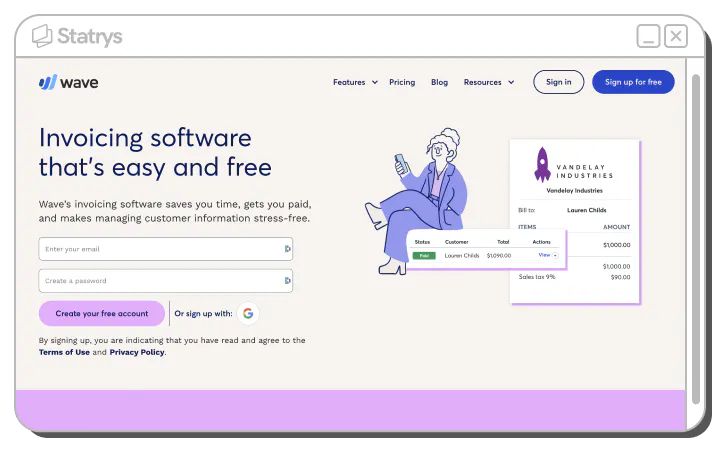
Wave invoicing software, headquartered in Toronto, Canada's East Bayfront neighborhood, offers financial services and software tailored for small business owners, freelancers, self-employed entrepreneurs, consultants, and contractors.
Wave covers invoicing, payment, payroll, accounting, mobile receipt, and advisor features. They are trusted by more than 300,000 small business owners in North America.
| Service | Fees |
|---|---|
| Invoicing | Free |
| Accounting | Free |
| Payments | Credit cards 2.9% + USD 0.60 or 3.4% + USD 0.60 for Amex Bank payment 1% |
| Mobile receipt | USD 8 monthly or USD 72 annually |
| Payroll | Tax service state USD 40 monthly + USD 6 per active employee or independent contractor paid Self-service state USD 20 monthly + USD 6 per active employee or independent contractor paid |
| Advisor | Bookkeeping support USD 159 Accounting support USD 379 |
| Wave Pros | Wave Cons |
|---|---|
| Accept all major credit cards | Mainly serves US and Canadian business owners; some products are not supported outside these regions. |
| Unique add-on consulting services |
Square is a versatile company that provides comprehensive commerce solutions to businesses of all sizes. Initially established as a payment service, they have since diversified into software, financial services, and omnichannel solutions.
Among its array of products is Square Invoice, a free invoicing software that streamlines invoice, estimate, and payment management for businesses, facilitating both online and in-person payments.
Square has catered to freelancers, professionals, field service providers, retailers, health and wellness establishments, food and beverage businesses, as well as various organizations.
The Free Plan offers the software for free. However, card processing fees are applicable when customers opt to pay their invoices with a card.
Note that card processing fees differ between the Free Plan and the Pro Plan as well.
| Service | Fee |
|---|---|
| Monthly fee | Free |
| Online card payment | 3.3% + 30¢ |
| In-person card payment | 2.6% + 10¢ |
| Per card on file payment | 3.5% + 15¢ |
| Per manually keyed in payment | 3.5% + 15¢ |
| Online ACH payment | 1% with minimum fee of USD 1 |
| Per invoice with Cash App Pay | 2.9% + 30¢ |
| Per card payment with Afterpay | 6% + 30¢ |
Everything in the free plan plus
| Service | Fee |
|---|---|
| Monthly fee | USD 20 |
| Online card payment | 2.9% + 30¢ |
| In-person card payment | 2.6% + 10¢ |
| Per card on file payment | 3.5% + 15¢ |
| Per manually keyed in payment | 3.5% + 15¢ |
| Online ACH payment | 1% with a minimum fee of USD 1 |
| Per invoice with Cash App Pay | 2.9% + 30¢ |
| Per card payment with Afterpay | 6% + 30¢ |
| Square Invoice Pros | Square Invoice Cons |
|---|---|
| Provide both online and in-person solutions | When using Square Invoice, Square is your automatic payment processor, entailing Square processing fees. |
| Offer a Buy Now Pay Later option |
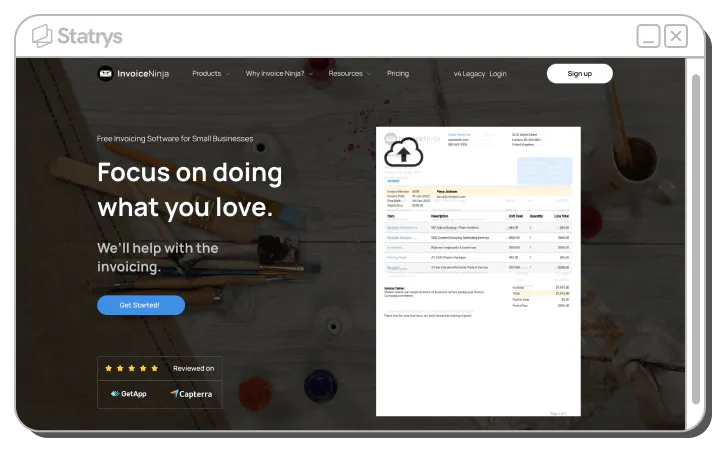
Invoice Ninja is another invoicing solution that you can use to generate invoices, accept online payments, monitor expenses, billable tasks, and more.
Invoice Ninja also comes with open-source development with a self-hosting option, REST-based API, and documentation.
They have served freelancers, coaches, consultants, business services, tradespersons, gig-economy providers, and other small and medium-sized businesses (SMBs).
| Plan | Fee |
|---|---|
| Free | USD 0 per month |
| Ninja Pro | USD 10 per month |
| Enterprise | USD 14 per month for 1-2 users USD 26 per month for 3-5 users USD 36 per month for 6-10 users USD 44 per month for 11-20 users |
Everything in the Free plan, plus
Everything in the Ninja Pro plan, plus
| Plan | Fee |
|---|---|
| Project management add-ons | The free plan is limited to 20 clients |
| Self-hosting option available |
Businesses have been creating invoices and managing invoice payments in spreadsheets for ages, so why switch to software?
There are several important reasons to make the move:
Almost 40% of invoices contain mistakes, including incorrect billing addresses, overbilling, or duplicate payments. These errors result in delayed payments, lost revenue, and extra administrative work and time to correct mistakes.
Invoicing software can help eliminate those errors. You only need to enter details like customer information, company addresses, product codes, pricing, and more once, and the next time, they can be retrieved from the company's existing records, eliminating the potential for typos and incorrect values.
Storing all invoice data in one place also minimizes duplications and ensures consistency across documents.
Additionally, these invoice templates can be easily duplicated and customized for returning customers, saving a significant amount of time.
Tasks like sending invoices can also be automated—they can be emailed immediately after placing an order. This frees up employees to focus on more strategic work that is less repetitive.
Late payments are a significant challenge for businesses today, with 87% of them facing delayed payments.
Invoicing software can help address this issue by offering a more convenient and user-friendly invoicing and payment process for clients, thereby encouraging quicker payments.
To elaborate,
If you rely on paper invoices, emails, and spreadsheets for bookkeeping, then you need to manually filter, fill out forms, and track expenses.
On the other hand, efficient invoicing software includes a comprehensive expense tracking feature and organized reporting. This simplifies the process and ultimately reduces the workload during tax season.
You can effortlessly filter and view precise financial data in customizable reports.
The software makes it simple to stay on top of pending business transactions as well.
In many cases, automatic application of tax rates to invoices adds an extra layer of convenience. This leads to even more seamless reporting and financial management over the course of a fiscal year.
Invoicing software can integrate with your other business-related software, such as accounting, project management, CRM, and inventory management. You can also sync your data across different devices and platforms, helping you streamline your workflow and avoid data duplication.
Visual appeal that represents your brand and usability that ensures clients can easily find the payment information are equally important.
A well-designed template in invoicing software can achieve both, saving you time compared to manually designing invoices in programs like Word or Excel.
Templates and software can handle formatting and alignment intuitively; no more squinting at crooked lines or spending extra minutes dragging elements into place.
These are some of the main factors that you should consider when choosing the right invoicing software for your business.
Start by taking inventory of your actual payment processing needs, and focus on the core features that will benefit your business.
For instance, consider:
Select software with the exact features you need. An excess of features can lead to complexity, a steeper learning curve, and potentially higher costs.
💡 Tip: Always start with the free plan or trial to determine if the software truly suits your needs.
Invoicing software prices are typically determined by the functionality and support they offer.
Factors influencing the cost include
To make the best choice, it's a good idea to have a budget in mind and compare various plans and pricing options.
Take into account the pricing models as well, as there are options like subscription plans and some pay-as-you-go services to choose from. A subscription may work best if you process payments regularly, while pay-as-you-go could save money if volumes fluctuate.
At the end of the day, the goal is to find a payment processing solution that facilitates payments without hurting your bottom line.
Assess if you need to integrate your invoicing software with other existing tools or apps that you use for your business, such as accounting software, CRM system, project management tool, or payment gateway.
If you do, it's best to check not only what integrations are available but also how easy they are to set up and use.
Effective invoicing software should allow you to create professional-looking invoices that reflect your brand identity.
Specifically, it should allow customization of layout, design, colors, fonts, logos, and signatures. You should also be able to add custom fields, terms, discounts, taxes, or notes.
Invoicing software should be easy to navigate for both you and your clients.
Look for invoicing software with a user-friendly interface, fast performance, and responsive customer support. It should let you create and send invoices from various devices, track payments, and notify you of any overdue or disputed invoices.
Your clients should also find it easy to view and pay their bills with a few clicks.
Free plans or free trials can help you grasp how user-friendly the platform is for you.
To wrap up the list, we recommend Zoho Invoice for its large user base, Wave for North American small businesses, Square Invoice for both online and in-person solutions, and Invoice Ninja for its unique self-hosted invoicing system offering.
When selecting invoicing software, align it with your business requirements and budget. Prioritize user-friendliness, customization, and integration capabilities. Lastly, testing free versions is the best approach to determine the best fit.
With the right fit, invoicing software can streamline billing, save time, and speed up your payments!