

HK
HK
Electronic invoices, aka e-invoices, are structured digital documents sent by a supplier to a customer that includes billing information.
When was the last time you examined your business’s invoicing? If it’s been a while, you might want to think about using electronic invoices. E-invoicing makes it easier to automate the process while reducing costs and saving you time.
Ready to learn more about electronic invoicing and why your company should embrace it? Keep reading.
Electronic invoicing is used for transmitting payment information from a business to a buyer. The information is structured in a standard format so that the electronic invoicing system of the seller and buyer can recognize and share the information.
E-invoicing takes the place of traditional paper invoicing, which is slower and requires more time and effort to match the invoice to the appropriate order and then pay the amount due.
There are a few different types of electronic invoices you should know about. Each of them is structured differently but are readable by most invoicing systems.
| Type of Electronic Invoice | Used For |
|---|---|
| Sales invoice | Requesting payment from a customer for services performed or items purchased |
| Commercial invoice | Getting clearance at customs and for calculating tariffs, duties, and other taxes; required for some international business transactions |
| Pro forma invoice | Providing an estimate to customers |
| Credit memo/invoice | Sending discounts or refunds |
| Debit memo/invoice | Requesting a larger amount of money from the customer (commonly sent after completion of a project that had an estimate) |
| Mixed invoice | Combining credit and debit invoices |
| Recurring invoice | Requesting payment for services that repeat at regular intervals |
| Interim/progress invoice | Requesting partial payments during large or long-term projects based on predetermined milestones |
| Timesheet invoice | Requesting payment based on services that are charged by the hour or day |
| Overdue invoice | Requesting payment for past-due invoices |
| Consolidated invoice | Requesting payment for multiple services or recurring products through one invoice |
| Retainer invoice | Requesting payment for services that have yet to be rendered based on an earlier agreement |
Now that you know what kinds of electronic invoices there are, let’s take a look at how you make and send an electronic invoice.
Making an electronic invoice isn’t as simple as sending a photo of a paper invoice — but it isn’t too difficult even if you’ve never created one before. There are a couple of different methods of creating an invoice, including:
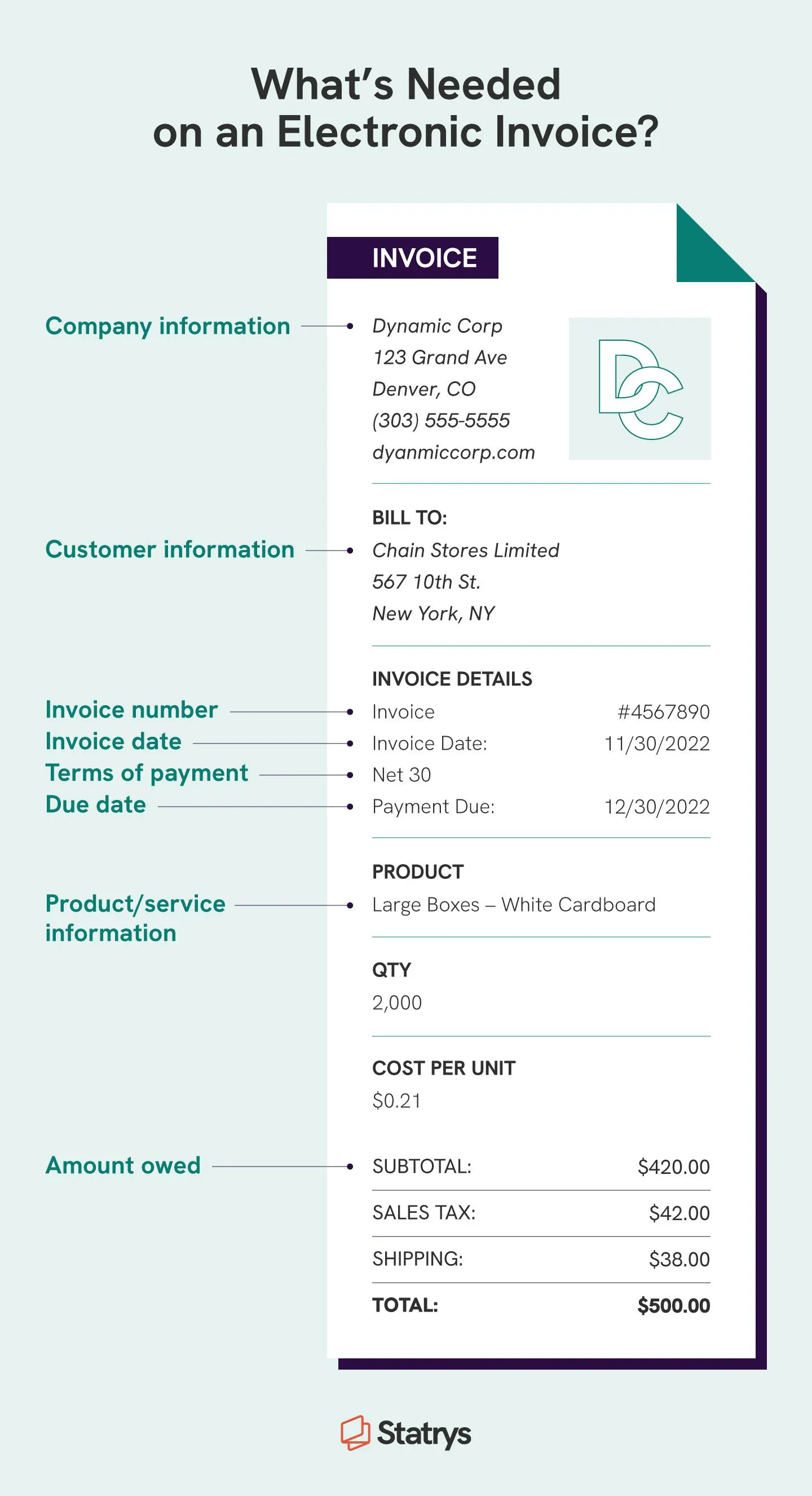
Regardless of how you make an electronic invoice, there is certain information that needs to be on it and formatted so it can be read by a customer’s invoicing system. An e-invoice should include information like:
Finally, here are the basic steps for creating an electronic invoice:
1. Add your company information along with an invoice number
2. Add customer information, including contact information and tax ID number
3. Include a table with an itemized list of all services and goods provided along with prices for each
4. Add payment details so the customer knows how and when you want to receive payment
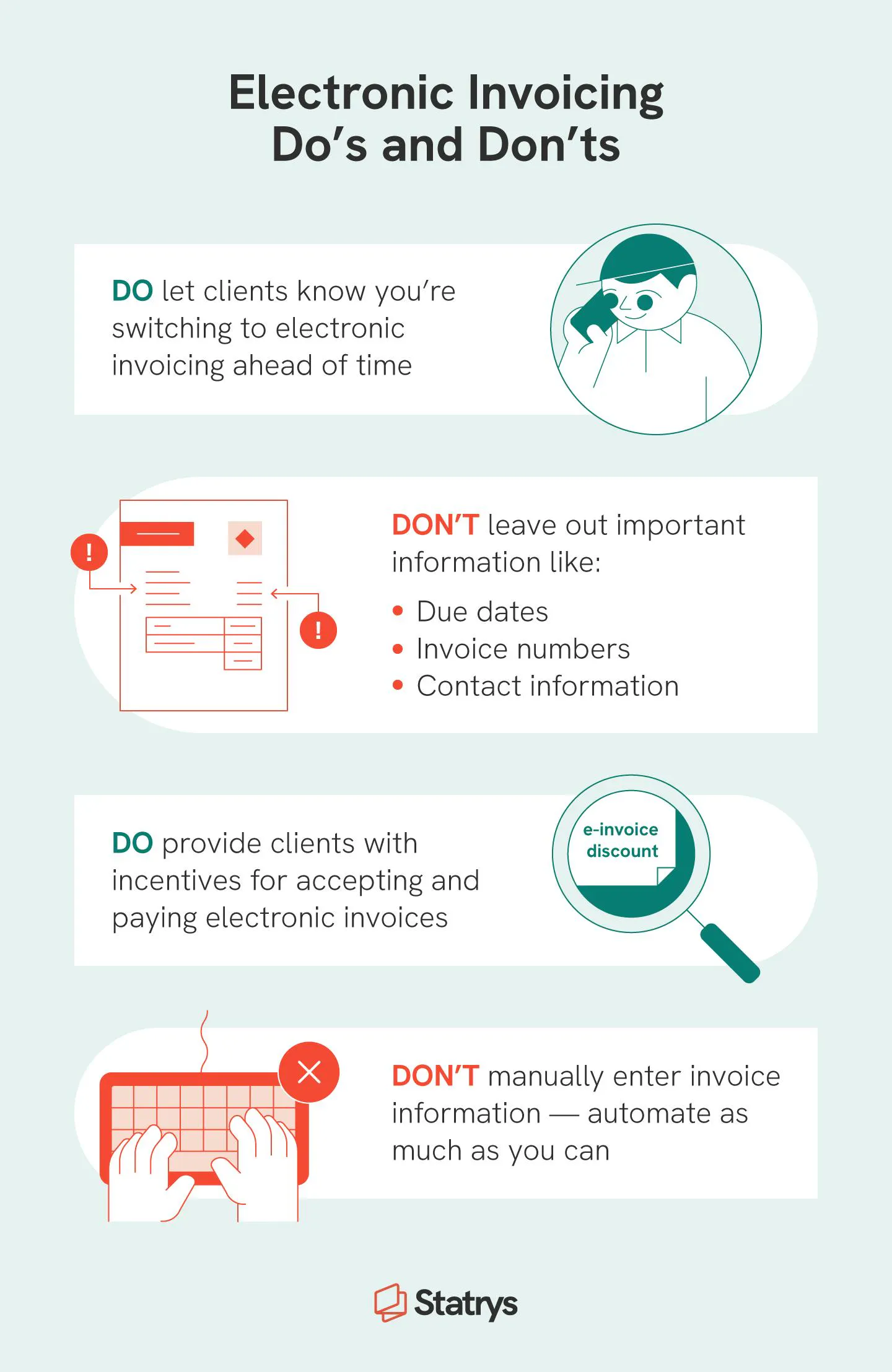
When you’re getting ready to implement e-invoicing, make sure to talk to your customers about electronic invoicing. They’ll let you know how they can (or can’t) receive electronic invoices. If they accept them, find out how they want to receive them.
Now that you know how to create and implement an electronic invoice, let’s look at the options for e-invoicing systems.
When you’re looking for an e-invoicing system, five of the most important factors to consider are:
The most common e-invoicing systems are found within accounting software, either as a native component or as an integration. Because accounting software is designed to make tracking and managing your business’s finances easier, invoicing is an important feature of these systems. Within your accounting software, you should be able to create invoices in conjunction with orders. Creating an electronic invoice within the system should also accurately update accounts receivable.
If your business isn’t big enough to need dedicated accounting software at the moment, online invoicing generators can save you some money. Unfortunately, many don’t allow you to connect them to your spreadsheets or orders, so you’ll need to input the information manually.
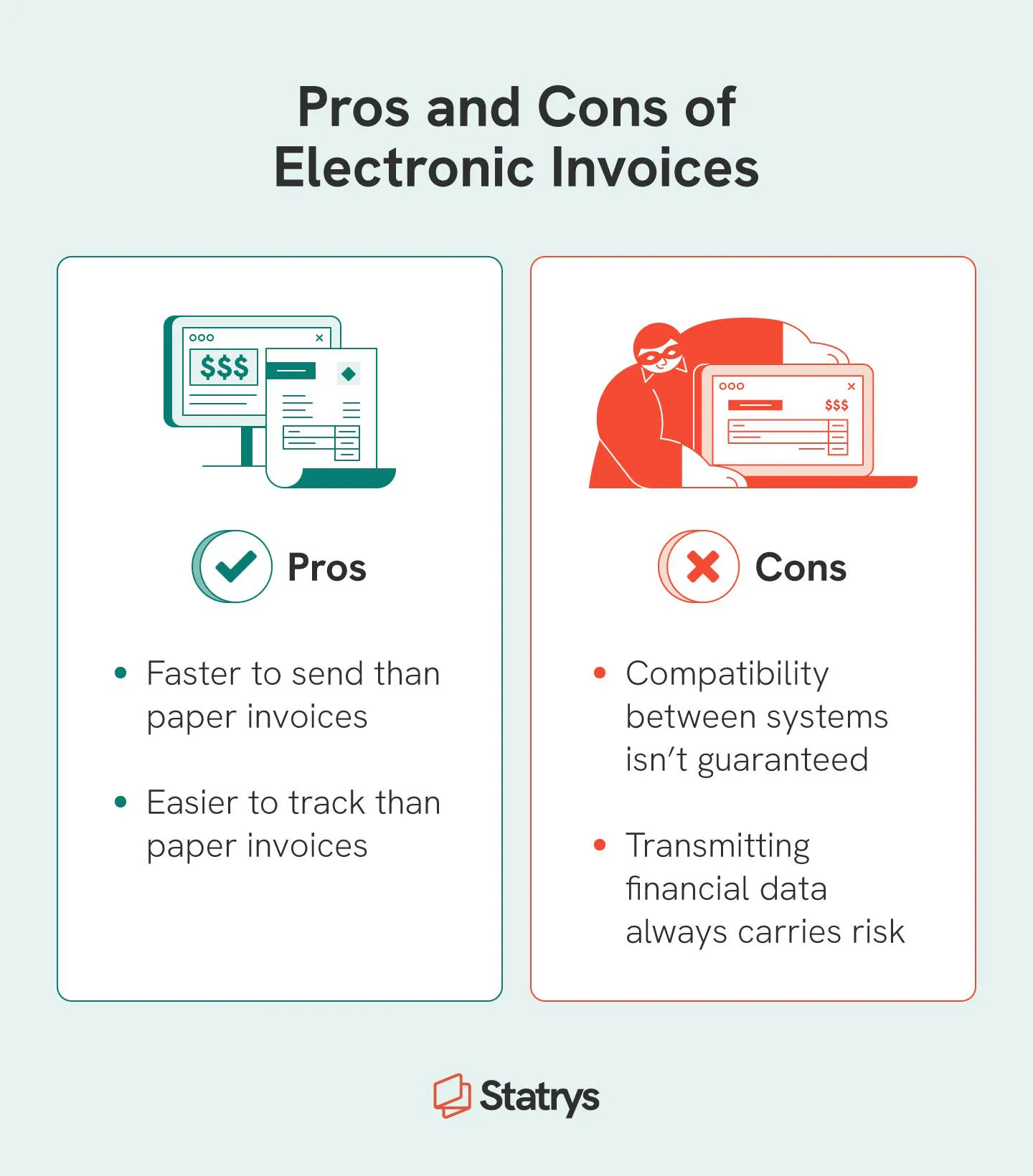
The benefits of e-invoicing are so big that they might convince you to stop creating manual invoices altogether.
However, there are some disadvantages of electronic invoicing that you need to be aware of before you start using them.
While the downsides of e-invoicing are usually outweighed by the benefits, it’s important to understand where you might run into problems.
Excited to get started with electronic invoices? Here are a few tips to make sure you’re taking full advantage of the best features of e-invoices and avoiding some common pitfalls.
Sending an electronic invoice makes doing business around the world much faster and easier than sending invoices back and forth through the mail. If you’re getting ready to expand your business overseas, it’s a good idea to learn about when you might need to create and send a commercial invoice.


